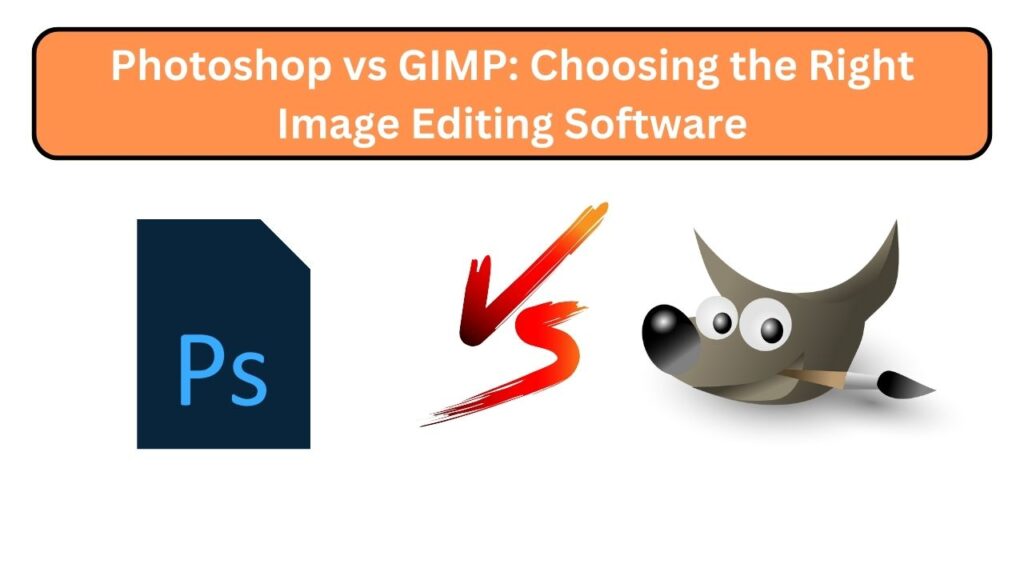
When it comes to image editing software, Adobe Photoshop and GIMP are two popular options with distinct differences. Both offer robust capabilities, but your choice depends on your needs, budget, and level of expertise. This blog compares Photoshop and GIMP to help you make an informed decision.
User Interface
Photoshop features a sleek, intuitive interface designed to streamline workflow and enhance productivity. GIMP has a more functional interface that may feel less user-friendly initially but is highly customizable, allowing users to adjust layouts and panels to suit their preferences.
1. Cost
Photoshop is commercial software requiring an Adobe Creative Cloud subscription, which can be costly. GIMP is free and open-source, making it ideal for beginners or those on a tight budget.
2. Features and Tools
Photoshop provides advanced professional tools like Content-Aware Fill, Smart Objects, and Camera Raw editing. GIMP offers layers, masks, filters, and brushes, covering essential editing needs but lacking some of Photoshop’s advanced features.
3. Performance
Photoshop is optimized for speed and handles large, high-resolution images efficiently. GIMP has improved performance in recent versions but may struggle with complex files.
4. Plugins and Extensions
Photoshop has a larger ecosystem of third-party plugins and extensions, offering specialized tools, filters, and effects. GIMP supports plugins as well, but with a smaller selection.
5. Learning Curve
Photoshop has a steeper learning curve due to its extensive features, but ample tutorials and resources are available. GIMP is more straightforward, making it easier for beginners to get started.
Conclusion
Your choice depends on budget, expertise, and requirements. Photoshop is the industry standard for professional editing, while GIMP offers a free, flexible, and capable alternative. Both programs enable creativity and high-quality image editing.
FAQs
1. Which software is better for beginners?
GIMP is generally easier for beginners due to its simplicity and free availability, while Photoshop may be overwhelming initially.
2. Is Photoshop worth the subscription cost?
For professionals requiring advanced tools, Photoshop is worth the investment due to its features, performance, and ecosystem.
3. Can GIMP perform professional-level editing?
Yes, GIMP can handle most essential editing tasks, though it may lack some advanced features of Photoshop.
4. Are there free plugins for GIMP?
Yes, GIMP supports plugins, and many free options are available to extend functionality.
5. Can I switch from GIMP to Photoshop later?
Absolutely. Skills learned in GIMP, like layer management and masks, transfer well to Photoshop.
Tagged: Photoshop, GIMP, Image Editing, Software Comparison